Switch Phones Without Losing Your Memories
Move photos, videos, apps, and documents to your new device in minutes. Simple QR pairing and bulk transfer make phone upgrades stress-free.
Everything You Need for Easy Data Transfer
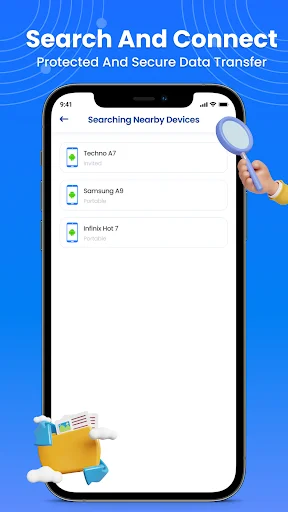
Connect in Seconds
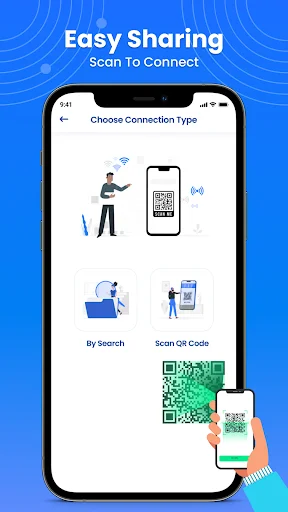
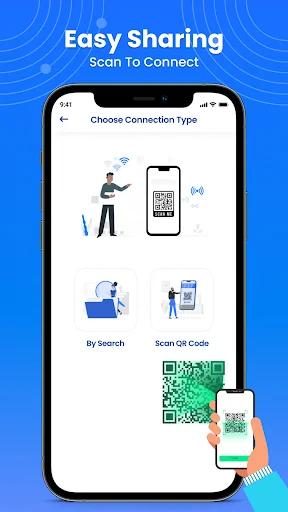
Scan a QR code to pair your devices instantly. No complicated setup, no technical knowledge needed – just point, scan, and you're ready to transfer.
Transfer Everything at Once
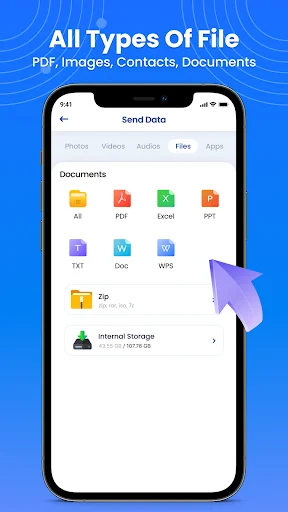
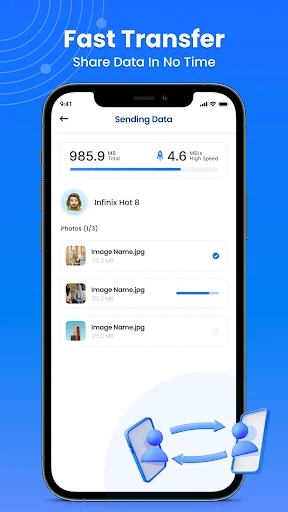
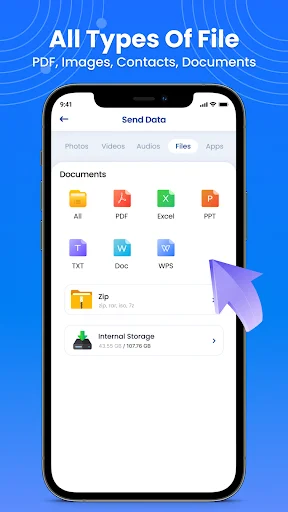
Move all your photos, videos, music, documents, and apps together or choose specific files. Bulk transfer saves you hours of manual copying and folder searching.
Keep Your Data Private
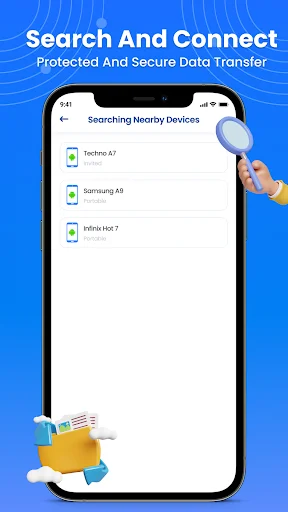
Your files transfer directly between devices without using cloud storage. Your personal content stays secure and private during the entire process.
New Phone Made Easy
Stop worrying about losing important files during phone upgrades. Get your new device set up with all your content ready to use right away.
About Phone Clone: Data Transfer
Clone Phone: Copy My Data - Move Files To A New Device Faster!
Clone Phone: Copy My Data will assist you in copying photos, videos, music, documents, and useful files from one device to another with fewer manual steps. Phone Clone Data Transfer is helpful when you get a new phone and want your important content moved without searching through folders one by one.
App Clone My Phone gives you a simple way to select what you want to copy, connect both devices, and send chosen content through an easy transfer flow. It is useful for phone upgrades, backup-style copying, family devices, or moving personal media safely between Android phones.
Data Copy And Transfer Tools:
- Clone Phone: Copy My Data - Copy important content from one phone to another
- Phone Clone Data Transfer - Move photos, videos, audio, apps, and documents
- App Clone My Phone - Select files and send them with a simple connection flow
- Copy Phone to Phone: Clone App - Transfer content using QR-based pairing
- Data Clone Device App - Copy single files or multiple files in one process
- Fast File Transfer - Send selected items without complicated setup
- Private Device Flow - Keep copying handled between your connected phones
Transfer photos, videos, audio, apps, and files with QR pairing!
Copy Phone to Phone: Clone App is useful when you want both devices connected quickly before sending content. You can pair phones with a QR connection, choose the data you need, and begin moving files without a long setup process.
Data Clone Device App helps reduce the hassle of moving content during a phone upgrade. Instead of reinstalling and arranging everything manually, you can copy selected media, documents, and supported app-related content in a more organized way.
Simple Transfer Flow:
- Open Clone Phone: Copy My Data on both devices
- Use Phone Clone Data Transfer to connect phones with QR pairing
- Choose App Clone My Phone when selecting apps, media, or files
- Start Copy Phone to Phone: Clone App after both devices are paired
- Use Data Clone Device App to copy items individually or in bulk
- Review the selected content before starting the transfer
- Check the new device once copying is complete
Copy Different Types Of Content:
The app is built to help with common data movement between phones. You can copy photos, videos, music, documents, and other useful files without digging through every folder manually. It also supports app sharing and content copying for users who want a faster way to prepare a new device.
Bulk Copying With A Simple Interface:
Some users only need to move a few files, while others want to send a larger collection at once. App Clone My Phone supports both individual selection and bulk copying, so you can decide exactly what should be transferred. The interface is designed to stay simple, making the process easier for users who do not want technical steps.
Helpful For New Phones And Device Migration:
Copy Phone to Phone: Clone App makes moving to another device feel less stressful by keeping the main actions clear: connect, select, send, and review. The app helps save time during phone replacement, media backup, or file sharing between personal devices.
Make Phone Data Copying Easier!
Data Clone Device App gives you a practical way to move files, media, and supported content between phones through a guided transfer process. With QR pairing, bulk selection, fast copying, and a clean layout, your important data can be moved with less effort.
See How Simple Phone Transfer Can Be
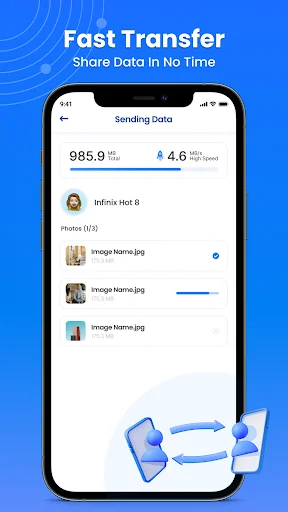
Trusted by Thousands Making the Switch
nice😉😉
good
Start Your Easy Phone Transfer Today
Be part of our community of thousands of happy users