Turn Your Phone Into a TV Remote
Lost your remote again? Dead batteries? Your phone is always with you, ready to control your Smart TV instantly through Wi-Fi. No extra hardware needed – just download and connect.
Why Thousands Choose This Remote App
Never Lose Your Remote
Physical remote buried under cushions or in another room? Your phone stays with you, giving you instant TV control whenever you need it. No more hunting around or dealing with dead batteries.
One App, Multiple TVs
Stop juggling several remotes around your home. Control all your Smart TVs from one simple app – perfect for families, shared spaces, or anyone with multiple screens.
Connect in Seconds
Simply connect your phone and TV to the same Wi-Fi network, select your TV brand, and start controlling. The app remembers your devices for even faster reconnection next time.
Simple, Complete Control
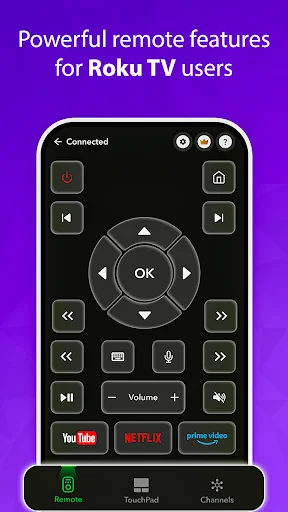
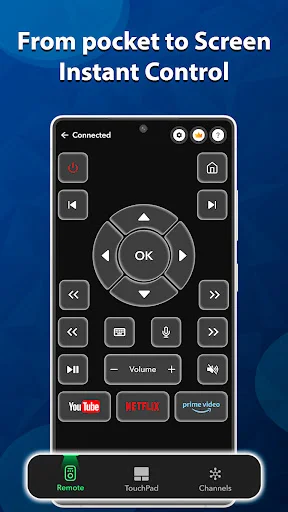
Access volume, channels, navigation pad, menus, and power from one clean interface. Everything you use daily is right there – no confusing screens or complicated setup.
About Universal TV Remote Controller
Universal Remote Control For TV - Control Your Smart TV From Your Phone!
Universal Remote Control For TV will assist you when the physical remote is lost, broken, out of batteries, or shared between too many people. It turns your phone into a simple controller for supported smart TVs, giving you quick access to common TV controls without extra hardware.
Universal TV Remote Controller works through Wi-Fi, so your phone and TV should be connected to the same network. Universal Remote TV Controller App keeps the interface clean, making it easier to switch channels, adjust volume, open menus, change inputs, and navigate the screen.
Smart TV Control Features:
- Android TV Remote App - Connect your phone to supported smart TVs through Wi-Fi
- Universal Remote Control For TV - Power the TV on or off when supported by the device
- Universal TV Remote Controller - Increase volume, decrease volume, or mute quickly
- Universal Remote TV Controller App - Change channels or enter channel numbers
- Navigation Pad - Move up, down, left, and right through TV menus
- Smart Menu Access - Open settings, options, inputs, and TV functions
- Fast Reconnection - Pair again with previously connected TVs more easily
Replace lost remotes, control multiple TVs, and connect in seconds!
Android TV Remote App is useful for families, shared homes, and anyone who wants one phone-based controller instead of keeping track of several remotes. It can save time when the remote disappears under the sofa, stops working, or is needed in another room.
Simple Connection Flow:
- Connect your phone and smart TV to the same Wi-Fi network
- Open Universal TV Remote Controller and search for available devices
- Select your TV brand or supported model from the list
- Enter the code shown on your TV screen if pairing is required
- Use Universal Remote TV Controller App to start controlling the TV
- Open Android TV Remote App controls for navigation, volume, channels, and menus
Everyday Controls For A Smoother TV Setup:
The app is designed for common TV actions that people use every day. You can manage power, volume, mute, channel navigation, number input, menu access, directional movement, and input changes from your phone. Universal TV Remote Controller keeps those actions easy to reach, so you do not need to dig through confusing screens.
Built For Convenience And Shared Use:
A phone remote can be helpful when several people use the same TV or when one home has more than one screen. The app is also made to be lightweight, with a simple layout that works well for different ages.
Make TV Control Easier From Your Phone!
Universal Remote Control For TV gives you a practical way to replace multiple remotes with one simple phone controller. With Wi-Fi pairing, menu access, volume control, channel tools, navigation buttons, and fast reconnection, watching TV can feel simpler and more convenient.
Important Note:
This app works only with Smart TVs that support remote control over Wi-Fi. Both phone and TV must be on the same network for proper functionality.
Disclaimer
All product names, logos, brands, trademarks and registered trademarks, which are not owned by us, are property of their respective owners. All company, product and service names used in this app are for identification purposes only. Use of these names, trademarks and brands does not imply endorsement. Universal TV Remote app is owned by us. We are not affiliated, associated, authorized, endorsed by, or in any way officially connected with any 3rd party apps or companies.
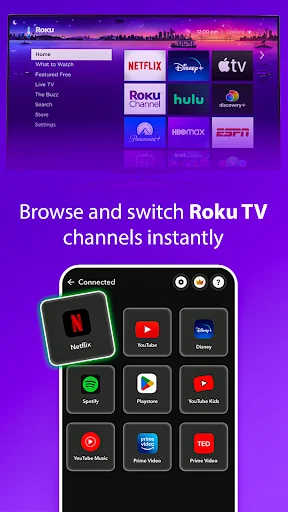
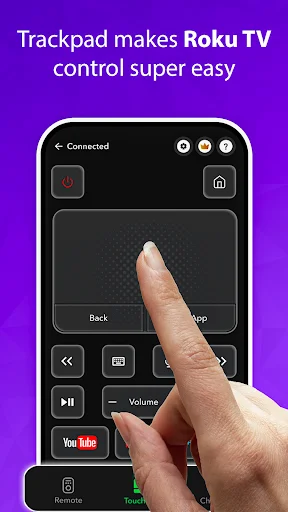
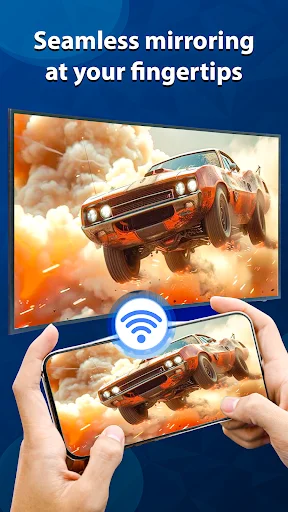
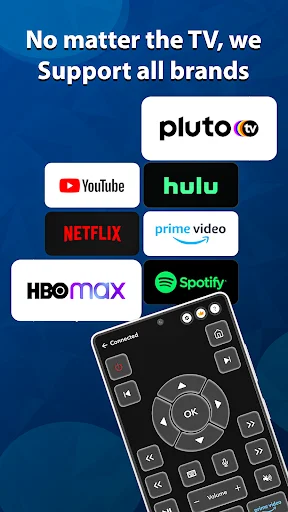
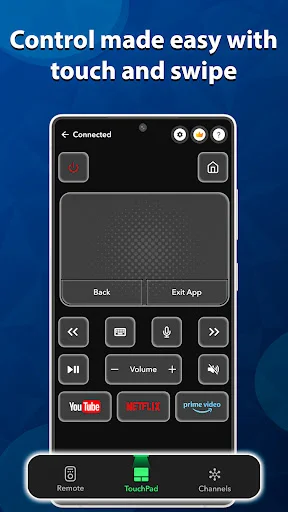
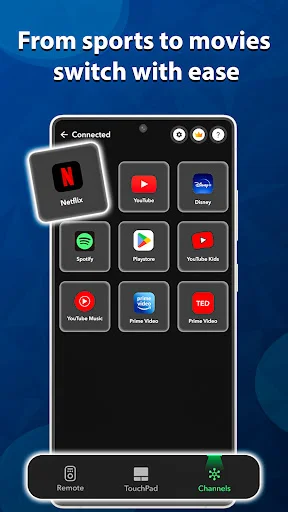
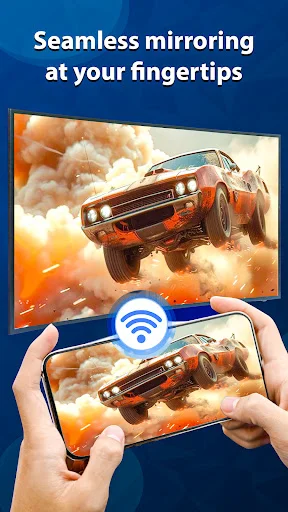
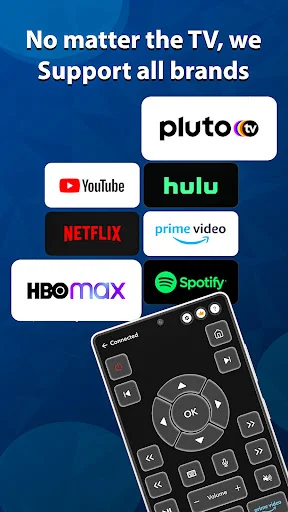
See How Easy TV Control Can Be
Join Thousands of Happy Users
The only really great remote app I have found in a while Thank you it's great when it's STRESS FREE THANKU God Bless Y'all....Kamila
when you can't find your original remote you always have your phone great to have an app on it for my Roku remote
this remote is very adaptable to my needs
it was fun 😁 tricking my sister
it's been good
awesome 😎👍💯.
Download Now and Control Your TV Today
Start your journey with our growing community today