Know Your Battery Inside and Out
Get real charging data, compare your chargers and cables, and manage your device – all in one simple app. Take control of your battery life with information you can actually use.
Everything you need for smarter device management
Compare Chargers Instantly
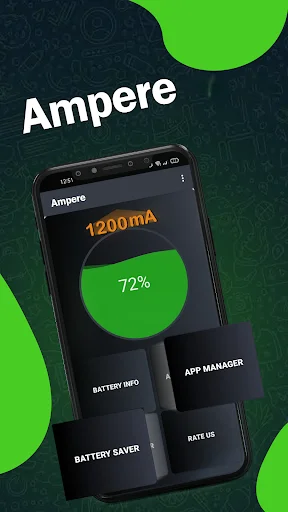
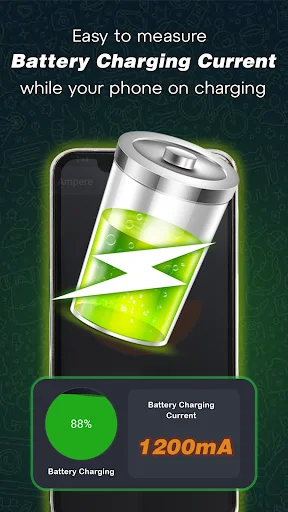
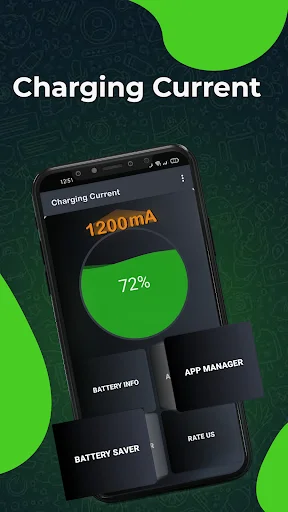
See charging current in real time and find out which charger and cable combination works best for your device. Make informed decisions based on actual data, not guesswork.
Custom Battery Alerts
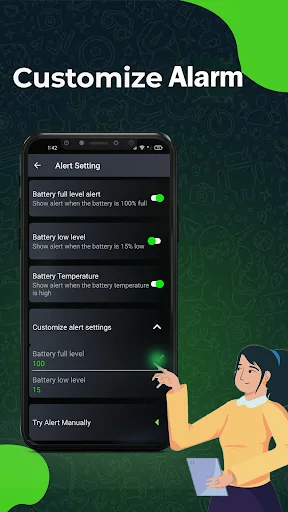
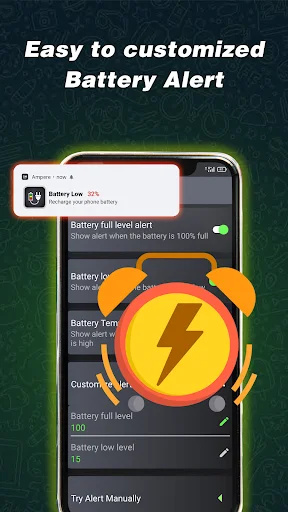
Set notifications for full charge and low battery so you never have to keep checking your screen. Get reminders that fit your daily routine, whether you're working, studying, or relaxing.
Complete Battery Information
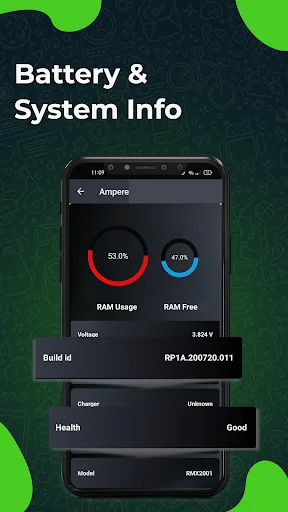
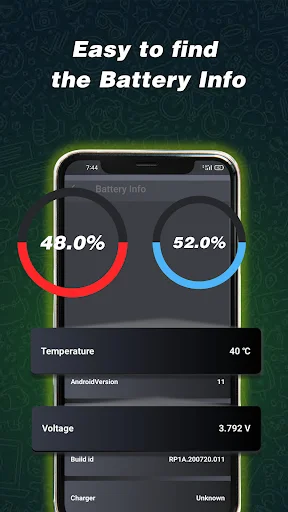
View capacity, temperature, charging type, and battery technology all in one place. Build a clear picture of your battery health and track how it changes over time.
Manage Apps and Storage
See how much time you spend on each app, check available storage space, and remove apps you no longer need. Keep your device running smoothly with better organization.
About Battery Charger Taster: Ampere
Battery Charger Check App - Understand Your Charging!
Keep useful battery details, charging information and app activity together in one place. Check charging-current readings, review battery capacity information and see what is happening on your device. From comparing a charger and cable to checking available space, Ampere Meter App gives you practical information for everyday device management.
Main Features:
- Battery Monitor: Amp Meter - View charging-current readings in mA and follow your device's charging status
- Charger Master: Ammeter App - Review battery capacity information, charging type and battery technology
- Battery And Charger Tester - Check battery temperature alongside other charging details
- Custom Battery Alerts - Set notifications for a full charge or low battery level
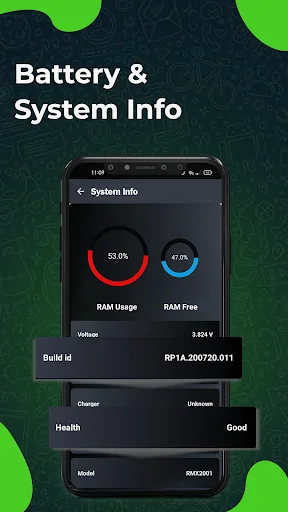
- Memory And Storage - View Ram usage and available free space
- App Usage Details - See total usage time for each app and when it was last used
- Installed App Information - Check version numbers and look for app updates
- App Management - Uninstall apps you no longer need to free up storage space
Get A Clearer View Of Your Charging Routine!
A charger and cable are part of the same everyday setup. With Ampere Battery Charging Check, you can look at charging-current readings as you try different combinations with your device. Review the displayed information to compare your setup, then check the charging status and type for more context.
Battery Details In One Place:
Use Battery Charger Check App to review battery information without losing sight of the charging process. Capacity details, battery technology and temperature help you build a clearer picture of the information available from your device. Return to these details whenever you want to check your battery.
Alerts That Fit Your Routine:
You do not need to keep opening the screen just to check whether it is time to unplug or recharge. Battery Monitor: Amp Meter includes notifications for a full charge and low battery levels. Customize the alerts to suit your preferences and use them as reminders during work, study or everyday activities.
Understand App Use And Available Space:
With Ampere Meter App, you can also review Ram usage and available storage space. Check how long you have used each app and when you last opened it to better understand your digital habits. View installed app details, check version numbers and look for updates. When an app is no longer useful, uninstall it to make room for other content.
How To Use:
- Connect your device to a charger and open Charger Master: Ammeter App
- Review current, status and temperature information in Battery And Charger Tester
- Choose the full-charge and low-battery notifications that suit your routine
- Explore app usage, installed app information and available device space
Compare Readings With More Context:
Charging information is most useful when you consider the conditions around it. Use Ampere Battery Charging Check to review readings alongside the displayed battery status and temperature. A single current reading is a snapshot, so revisit the information during a charging session rather than treating one number as the whole picture. This gives your comparisons more context as you check different charger and cable combinations.
Keep Battery Information Close At Hand!
Make Battery Charger Check App part of your regular device checks. Review charging details, set useful alerts and explore app activity from one convenient place. Stay informed about your battery and everyday usage with information you can return to whenever you need it.
See your battery data come to life
Join thousands of users managing their batteries better
YES, it does what it says it will do, Period. Yes, it has adds like everything else, but they are Very minimal, short & skippable after 2 to 5 seconds (VERY small icon top right) If you're reading these reviews about this app, you should just get the app, it's worth it, & it's free! 👍
Does what it says. Lite app that allows me to test cord/plug combos to see which is working properly or which is fastest. Also gives you software info in second page
The app does exactly as advertised. I can see how much my battery is being charged from various units. Excellent
Ampere is one of the amazing application by developer.this app is not like other applications which have too much ads.i recommend this app
It is best ampere meter application on play store.this application have many amazing features . easy to use and works smoothly
Ampere is an amazing application. The app measures the charging/discharging current of the battery. If your phone is not connected to a charger,
Start understanding your battery today
Join hundreds of thousands of users who have already made the switch