Organize All Your Cards in One Place
Keep every payment card detail organized, accessible, and secure on your device. Scan compatible cards with NFC, personalize your wallet, and access card information whenever you need it – without the complexity of payment platforms.
Everything You Need for Better Card Organization
Scan Cards Instantly
Stop typing long card numbers manually. Use your device's NFC reader to quickly scan compatible contactless cards and save their details in seconds.
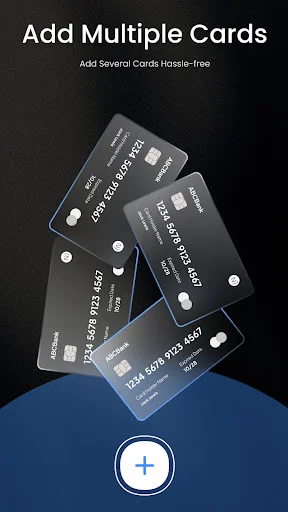
All Cards Together
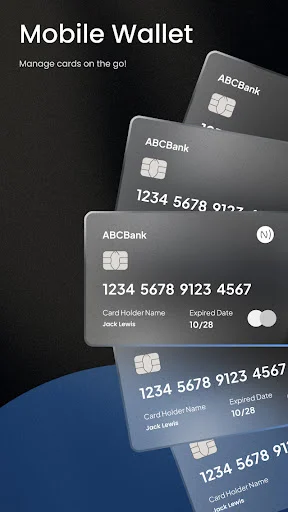
Keep multiple payment cards organized in one secure digital wallet. Find the card you need instantly without digging through your physical wallet or searching through notes.
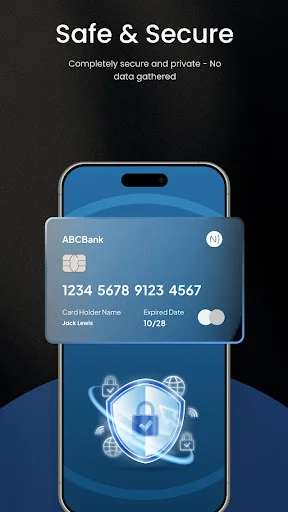
Complete Privacy Protection
Your card information stays on your device, never uploaded to any servers. You have full control over your data with local storage that keeps your details private and secure.
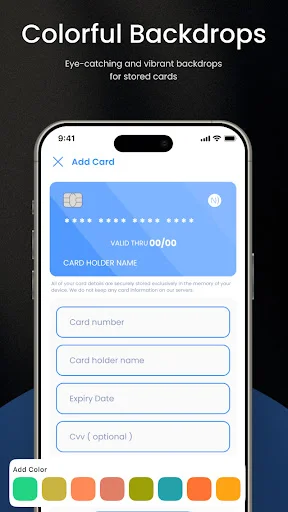
Personalize Your Wallet
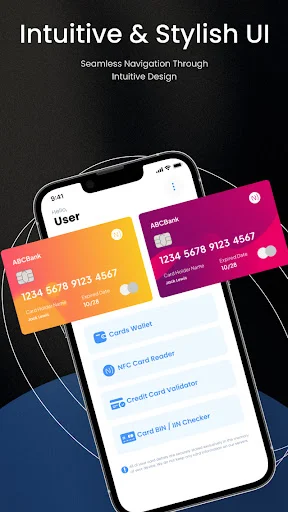
Make your wallet uniquely yours with customizable styles, backgrounds, and colors. Choose a vibrant design or keep it minimal – the look is completely up to you.
About Mobile Wallet: Cards & NFC
What is Mobile Wallet: Cards & NFC?
Save and organize payment-card details in an Android card manager. Keep multiple cards together, use the NFC reader to scan compatible cards and personalize the look of your wallet. This app manages card information; it is not a payment platform.
Who is Mobile Wallet: Cards & NFC for?
Use it when you want to keep the details of several cards in one place and give your wallet a look that suits you. Styles, backgrounds and colors let you choose a vibrant or more minimal design.
The NFC reader is useful when adding a compatible contactless EMV card. It reads available card information using your device's NFC hardware, rather than turning your phone into a way to pay with that card.
What does Mobile Wallet: Cards & NFC do?
- Add and manage multiple cards: save payment-card details and keep them organized in your wallet.
- Scan compatible cards: use the NFC reader/validator when adding a new card.
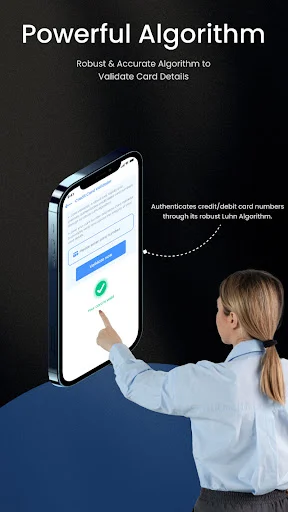
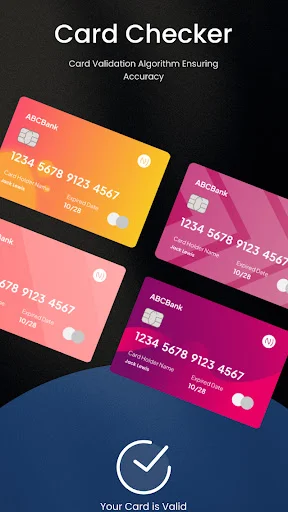
- Check card details: use the built-in card validator as part of organizing your information.
- Personalize your wallet: choose styles, backgrounds and colors to change its appearance.
Card reading and validation help you work with card information. They do not confirm available funds, whether a card is active or whether it will be accepted for payment.
How does Mobile Wallet: Cards & NFC work?
Add a card to your wallet and save its details. To scan a new card, use an NFC-capable device and a compatible contactless EMV card. Position the card near the back of the device and gradually slide it across the back to read the available information.
Organize the cards you have added, then customize your wallet's styles and backgrounds. Reading depends on the card and device; not every card can be read.
Compatibility and requirements
NFC scanning requires device NFC hardware and a compatible contactless card. A chip by itself does not establish NFC compatibility. Card support and feature availability depend on card technology and region; some features may be limited or unavailable in certain countries.
Saving payment-card details does not enable transactions or replace a physical card when one is required. The app is independent and is not a substitute for a payment service.
The app contains ads and offers in-app purchases. If your language is unavailable, you can contact support to request a translation.
Privacy
Your saved card information is stored on your device, not on our servers.
Mobile Wallet: Cards & NFC brings card details, compatible NFC scanning and a personalized wallet layout together for everyday organization.
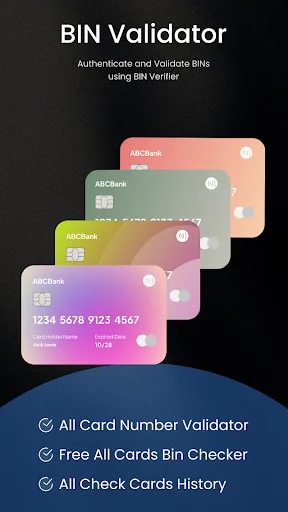
See Your Cards Beautifully Organized
Trusted by Thousands of Happy Users
I have a smart p24 and this is a helpful app for after pay in-store purchases.
love 💕 the application
Easy to manage
it was useful
So helpful!
excellence
Start organizing your cards today – download now
Start your journey with our growing community today