Plan Your Route Before You Drive
Get turn-by-turn voice guidance, compare multiple routes, and check traffic conditions before you start your journey. Make every trip smoother with the tools you need to travel confidently.
Everything You Need for Confident Travel
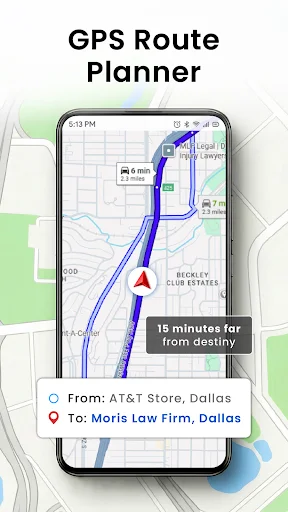
Compare Multiple Route Options
Never wonder if you chose the right path. Review different routes to your destination and pick the one that works best for your schedule. Save time by avoiding congested roads before you even start driving.
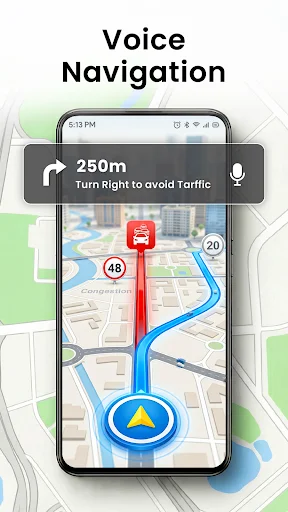
Turn-by-Turn Voice Guidance
Keep your eyes on the road while clear voice directions guide you to your destination. Focus on driving safely while the app handles navigation, so you never miss a turn or exit.
Find Nearby Stops Easily
Locate gas stations, restaurants, ATMs, and other services along your route before you need them. Plan your stops in advance and never worry about running out of fuel or missing essential services.
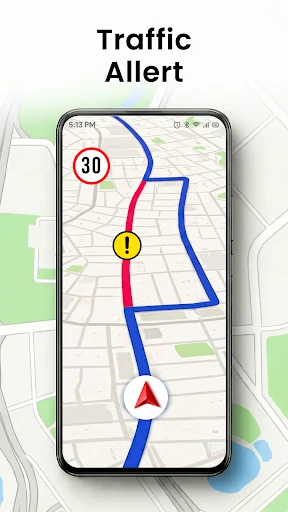
Traffic and Weather Updates
Check real-time traffic conditions and weather forecasts before you leave. Make informed decisions about when to depart and which route to take, so unexpected delays don't ruin your plans.
About GPS Navigation - Route Planner
GPS Route Planner - Plan Your Next Journey!
Find a route, review the map and get turn-by-turn voice guidance for the road ahead. Whether you are making a familiar trip or exploring somewhere new, check the available directions and traffic information before you leave.
Use My Maps Driving Directions to look at your journey before starting navigation. Search for a destination, consider the suggested paths and keep nearby services in mind when you need a stop along the way.
App Features:
- GPS Route Planner - Find routes and explore available paths to your destination
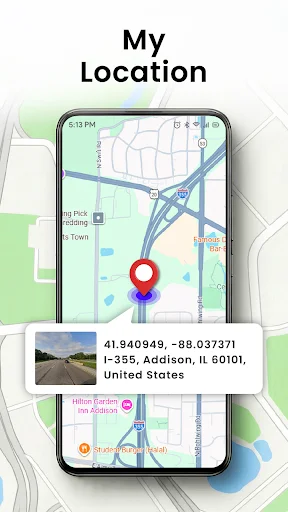
- GPS Coordinates: Route Maker - Use your current location as a reference when planning a journey
- GPS Maps Navigation - Follow turn-by-turn voice guidance while keeping attention on the road
- Driving Maps: Car Navigation - Review the road ahead and available traffic updates
- GPS Navigation: Map Direction - Check your position and orientation with map and compass tools
- Nearby places - Look for gas stations, restaurants, ATMs and other useful stops
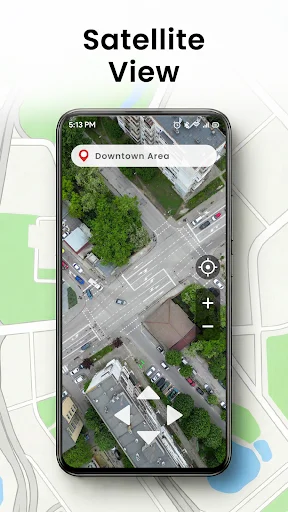
- Street and satellite views - Examine mapped surroundings and landmarks
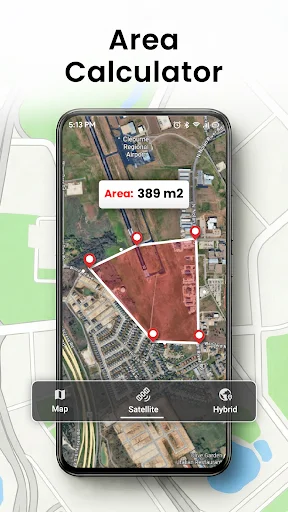
- Travel tools - Check weather, distance or area estimates, and the parking feature
Know the Route Before You Set Off!
With My Maps Driving Directions, you can prepare for a commute or a trip through an unfamiliar area. Review the destination carefully and compare the available route information while your vehicle is parked. A suggested path is a planning aid, not a promise of the fastest journey.
Use GPS Coordinates: Route Maker to relate your position to the destination you want to reach. Location results depend on your device and surroundings, so check that the starting point looks right before following a route.
How To Use:
- Open GPS Route Planner and review the location permissions it requests
- Check your starting position and search for your destination
- Review My Maps Driving Directions and the available route information
- Check traffic and weather details before you begin the journey
- Start voice guidance with GPS Maps Navigation once you have prepared the route
- Follow road signs and conditions, and stop safely before changing settings
For everyday driving:
Driving Maps: Car Navigation brings route information and traffic details into your trip preparation. Look for a fuel stop or another nearby service before leaving. Changing conditions can affect travel, so allow time rather than relying on a predicted route to remove every delay.
For exploring a new area:
Use GPS Navigation: Map Direction to orient yourself with the map and compass. Street and satellite views can help you recognize the area, but imagery may be older than current conditions and is not a live camera feed.
For checking where you are:
GPS Coordinates: Route Maker supports planning around your location. Buildings, terrain, device settings and signal availability can affect positioning. The speedometer and distance or area tools provide helpful estimates, not certified measurements.
For a clearer view of your trip:
GPS Maps Navigation lets you combine route guidance with useful information nearby. Use the parking feature when organizing your arrival, and check the map again when it is safe to do so. Online maps, traffic and weather depend on connectivity and available coverage.
Prepare Your Route, Then Focus on the Road!
Use Driving Maps: Car Navigation to plan with the information available. Let GPS Navigation: Map Direction support your journey while you remain responsible for safe travel. Obey signs, closures and local rules over any suggested route, and never operate the app while driving.
See How Easy Route Planning Can Be
Trusted by Over 1 Million Drivers
New to this city and love the way that Navigation is
very friendly and helpful
works perfect every time
Outstanding performance
Perfect app
works great
Download now and plan your next journey
Join millions of satisfied users and transform your experience today