Watch Everything on Your Big Screen
Turn your TV into a wireless display for your Android device. No cables, no hassle – just connect and enjoy movies, photos, games, and apps on the screen they deserve.
Why Choose Screen Mirroring & Cast to TV
100% Wireless Connection
Say goodbye to tangled cables and adapters. Connect your phone to your TV using just WiFi – simple, clean, and ready in seconds.
Works With Any TV
Compatible with all Android TVs and smart TVs that support Miracast. One app for all your screens, no matter the brand.
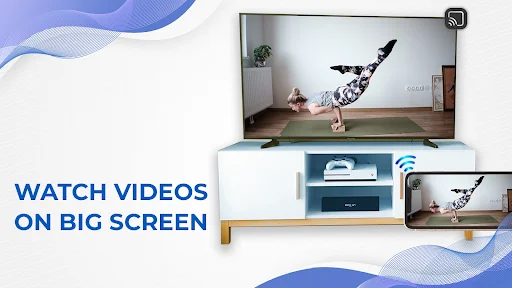
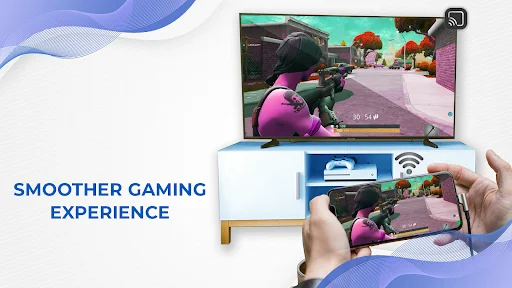
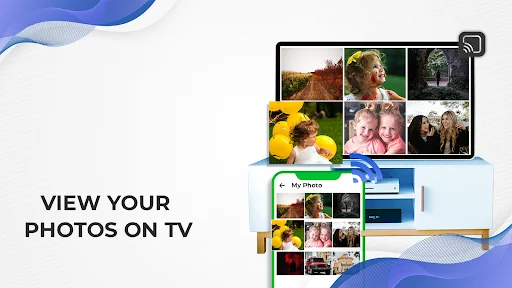
Mirror Everything You Love
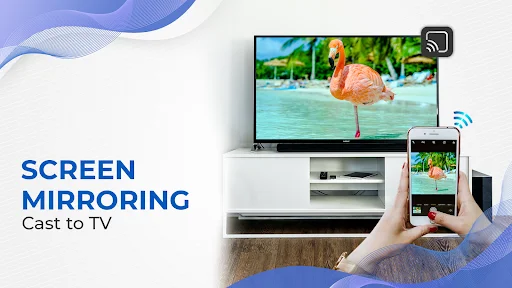
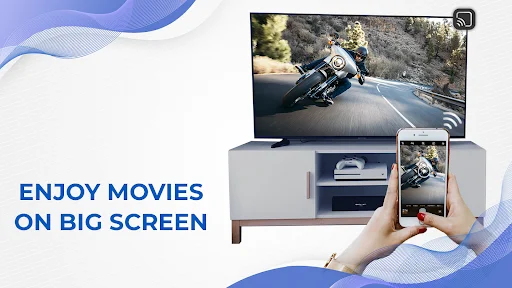
Share your entire phone screen – stream videos, display photos, play games, or browse apps. Your content looks amazing on the big screen.
Family Entertainment Made Easy
Stop squinting at your phone. Gather everyone around the TV to watch movies, share memories, and enjoy content together on a screen you can all see.
About Screen Mirroring & Cast to TV
Screen mirroring technology lets you send the media that's playing on your smaller android device to a larger one like TV screen. Watching movies on small screen don't let you enjoy, so enjoy your movies on big screens by screen mirroring. Connect your android phones with android TV without using any cables because it is screen mirroring miracast: wireless display app. The protocol used to wirelessly mirror mobile screen to another big screen is called Miracast. To use screen mirroring feature, both devices which has to connect with each other have to meet a few minimum criteria. Your android phone or Tablet must support mirroring and be able to send out data from the device to another device. Similarly, the TV or projector must also support screen mirroring or miracast and be able to capture and play that data.
Why this Screen Mirroring for all TV: Cast to TV?
The purpose to develop this stream to tv: screen mirror app is to avoid watching movies on mobile screens and let you allow to cast your phone to Tv for making enjoyable moments. Watch movies, serials, and dramas on big screen with your loved ones using this screen share: tv screen mirroring app. This is an outstanding advance feature app, the screen mirroring app is an excellent choice, you can wirelessly mirror your android devices to your smart TV or any other big screens
Main features of this Screen Mirroring for all TV: Cast to TV
- Easy to connect with TV screens
- You can do screen mirroring for all android TV
- You can monitor screen without connecting with cables, it is wireless display app
- Share mobile screen on tv
- It is a screen cast for all smart tv
- Easy to use this screen mirroring miracast.
Tv connect: Screen Mirroring – Miracast
There is no need for any cables like you need for setting up a projector because it uses wireless technology. This screen mirroring and casting app will mirror everything on your phone, including your all apps, websites, videos, games, and photos. So, you can get unlimited entertainment on big screens. Screen Mirroring is a technique to view all your smartphone's content on any big screen like a TV and smart screens.
What's amazing in this Screen Mirroring for all TV: Cast to TV?
- Easy connectivity
- Screen Mirroring for All TV
- Wireless display
Screen Mirroring with smart TV
This screen share: tv assist app allows you to mirror your screen and you can experience the big screen on your TVs by casting. Mostly people like to watch movies on big screens, in this modern world you don't need to copy and paste contents, you can simply share your mobile screen on big screen and watch movies and sports.
Working of this Screen Mirroring for all TV: Cast to TV
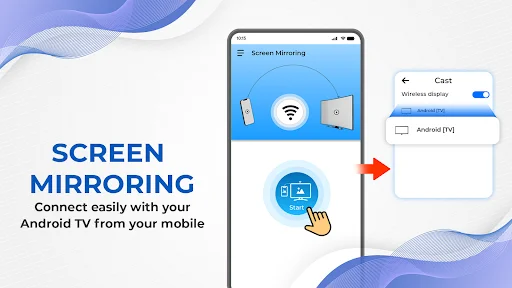
- Download and install this Screen Mirroring & Cast to TV.
- Open this Screen Mirroring & Cast to TV.
- Press select tv button to choose tv for casting.
- Cast your phone to TV by connecting them both with same internet connection.
Privacy note of this Screen Mirroring for all TV: Cast to TV
Screen Mirroring & Cast to TV app is not collecting and sharing any information to others, it is secure application and will not share any data to third parties.
Disclaimer of this Screen Mirroring for all TV: Cast to TV
For screen mirroring and screen casting, you must need to connect your phone and android TV with same internet connection. If you will not connect with same internet, you cannot do screen mirroring. Make sure that, your phone and TV must have Miracast to do screen mirroring.
See How Simple It Really Is
Join Thousands of Happy Users
Light in size good in performance
this aap is outsatanding
It's very useful app
Nice app Better app
help full
Download Now and Start Casting Today
Start your journey with our growing community today