Move to Your New Phone Stress-Free
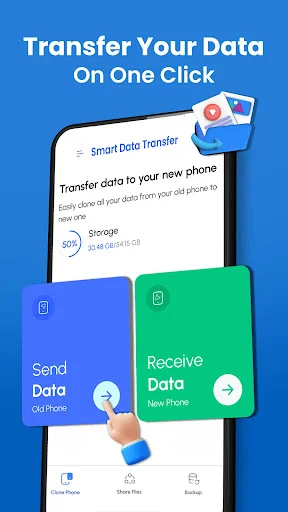
Transfer photos, contacts, videos, messages, and more between your Android phones with a simple connection. Keep your memories and important files safe when switching devices.
Everything you need for a smooth phone switch
Save Your Precious Memories
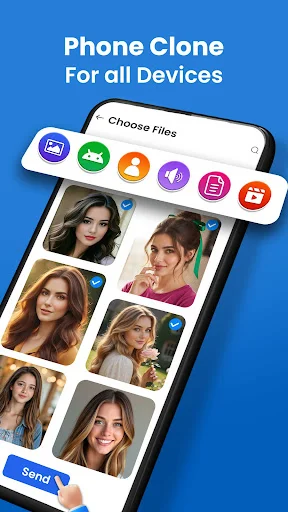
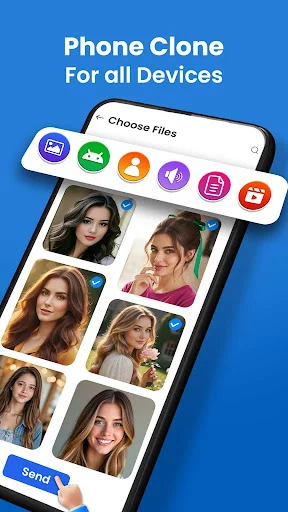
Moving to a new phone means keeping your photos and videos safe. Select individual pictures or your entire gallery and bring your important moments to your new device without complicated steps.
Transfer All File Types
Get everything you need in one place. Move contacts, messages, documents, music, and media files all with the same easy process, so you can enjoy your new phone right away.
Choose What You Move
You decide what comes with you. Pick specific files or transfer everything at once – no need to bring old content you no longer want to your new device.
Simple Direct Connection
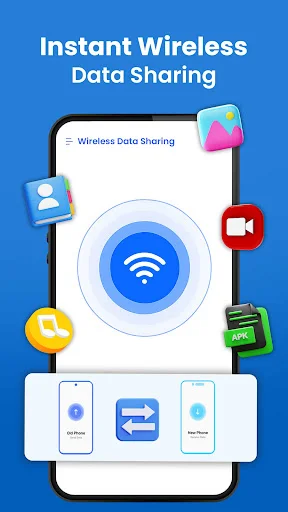
Connect your phones and start transferring without tech skills or confusing setup. The straightforward process works through direct device connection, keeping your transfer quick and private.
About Smart Data Transfer: Clone It
Transfer My Data: Phone Clone App - Move Your Important Content To A New Phone!
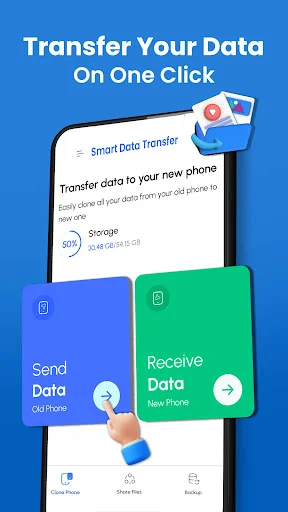
Transfer My Data: Phone Clone App helps you move photos, videos, contacts, documents, music, messages, and other useful files from an old Android phone to a new one.
Clone Phone: Smart Transfer App provides a convenient way to connect two compatible devices and select what you want to move. Copy My Data: Photo Transfer App is especially useful for bringing your gallery and memorable pictures to your new phone.
Smart Transfer Features:
- Device Clone: Transfer Data - Move selected content between compatible Android phones
- Data Transfer: Copy My Data App - Share multiple files through an easy transfer process
- Clone It: Phone Transfer - Bring important content from an older device to a newer one
- Copy My Data: Photo Transfer App - Select photos and videos from your gallery
- Transfer My Data: Phone Clone App - Move contacts, documents, audio, and other files
- Clone Phone: Smart Transfer App - Choose individual items or larger groups of content
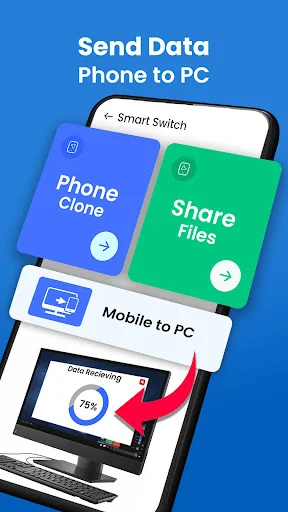
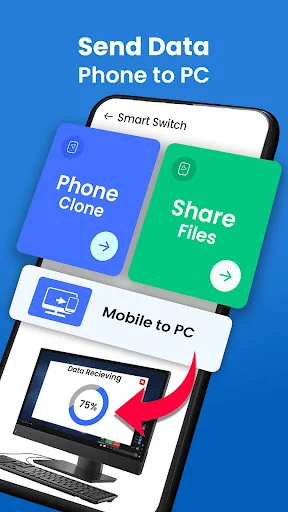
- Direct Connection - Send supported files between devices without complicated steps
- Multiple File Types - Share music, apps, media, documents, and other supported content
Connect both phones, choose your files, and move what matters!
Device Clone: Transfer Data helps make switching phones easier when you have a large amount of personal content to organize.
Data Transfer: Copy My Data App can also help when you only need to share certain photos, contacts, documents, or media. This gives you more control instead of forcing you to move unnecessary files.
How To Use:
- Open Clone It: Phone Transfer on both compatible Android devices
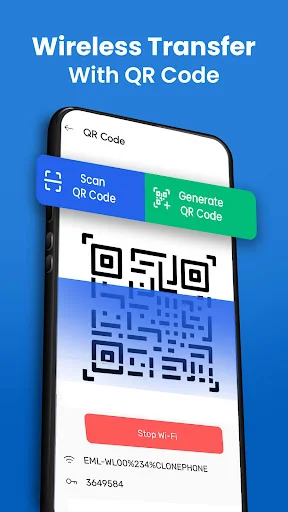
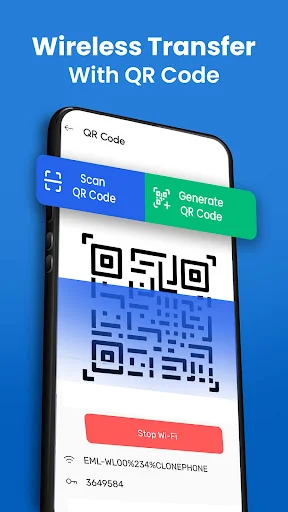
- Connect the old and new phones using the available connection method
- Use Transfer My Data: Phone Clone App to select the content you want to move
- Choose Copy My Data: Photo Transfer App when your main goal is moving gallery media
- Select contacts, messages, documents, music, or other supported categories
- Start Device Clone: Transfer Data and keep both phones connected during the process
- Check the new device when the selected content has finished moving
Photos, Videos, And Personal Media:
Clone Phone: Smart Transfer App makes it easier to move important memories without searching through folders one by one. Select individual pictures, videos, music files, or larger groups depending on what you want to keep. The original files remain available on the source phone unless you choose to remove them yourself.
Contacts And Useful Phone Content:
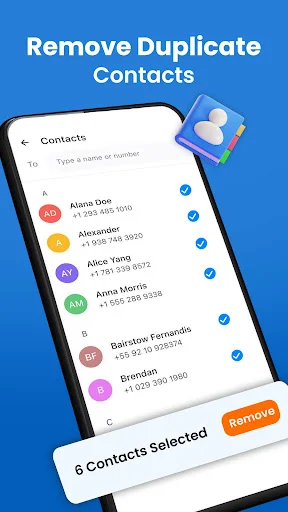
Data Transfer: Copy My Data App supports more than gallery files, making it helpful during a complete phone change. You can bring supported contacts, messages, call information, documents, audio, and other content to your new device.
Selective Or Bulk File Sharing:
Clone It: Phone Transfer gives you the flexibility to choose just a few files or prepare a larger collection for moving. This is helpful if your old phone contains content you no longer need.
Simple Device-To-Device Sharing:
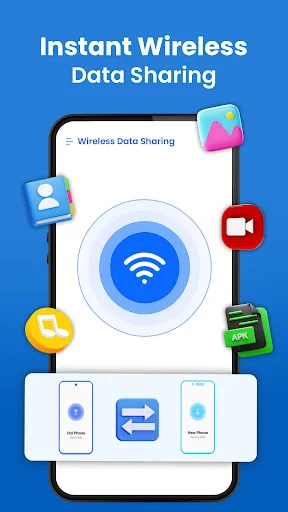
Copy My Data: Photo Transfer App uses supported local connection options such as Wi-Fi or Bluetooth depending on the devices and selected feature. The straightforward interface keeps the process accessible even if you do not regularly use file-sharing tools.
Make Moving To A New Android Phone Easier!
Clone Phone: Smart Transfer App keeps photos, contacts, videos, documents, music, and other supported files easier to move between phones. With selective sharing, bulk options, and a clear setup process, Device Clone: Transfer Data helps make changing devices less time-consuming.
See how easy phone switching can be
Trusted by millions switching phones
Smart data transfer is very good and usefull app it is all of the best data transfer app it's features are really super good working guyz you can any of data transfered with very easy and fast quality transfer I prefer you to must install this app app highly recommend
I think sharing or data transfer was never that easy, but this smart switch app has made it very convenient for us and allow to share files within no time. I'm happy to have this app
Smart data transfer App is Excellent App for transferring data from one device to other. I love this app this is one of my best app really appreciate the work of developor 5star app.
Smart data transfer clone app is a wonderful and an outstanding application. That is very helpful for us to transfer our data safely to another mobile. It's amazing.
Best phone clone app it works as an efficient smart switch that do smart transfer data and do file sharing without losing any important document, contact or files.
Smart data transfer is very fantastic app to transfer data easily to any other device. It is very easy to connect with any device and transfer data quickly.
Start your easy phone transfer today
Join millions of satisfied users and transform your experience today