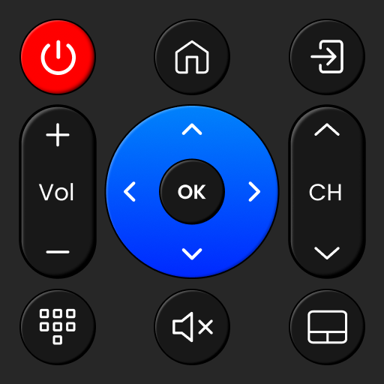
Control Any TV Right From Your Phone
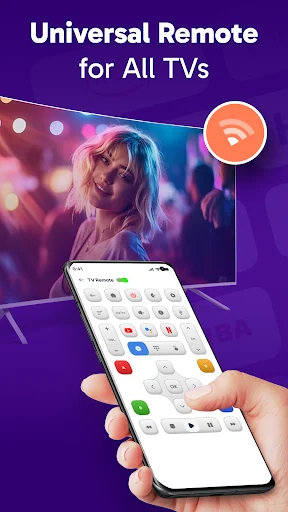
Transform your Android phone into a powerful universal remote. No more lost remotes or cluttered coffee tables – manage all your TVs with one simple app that works with every major brand.
Everything You Need in One Smart Remote
Works With All TV Brands
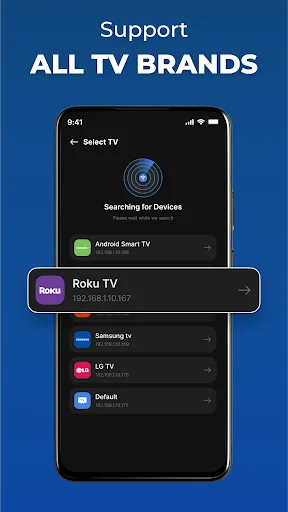
Control Samsung, LG, Sony, and all major TV brands from a single app. Whether you have one TV or multiple sets throughout your home, manage them all without switching between different remotes or apps.
Wi-Fi and IR Support
Connect using your home Wi-Fi network for smart TVs, or use your phone's IR blaster for traditional models. This flexible dual-mode connection ensures compatibility with both modern and older televisions.
Cast Your Screen Easily
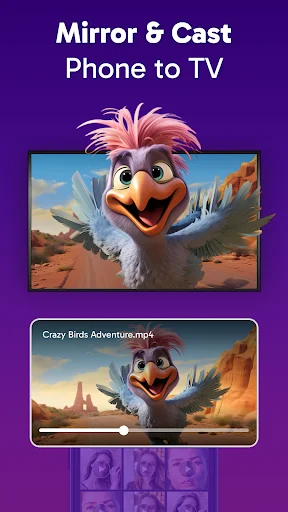
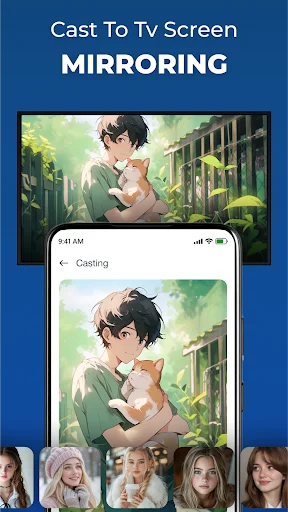
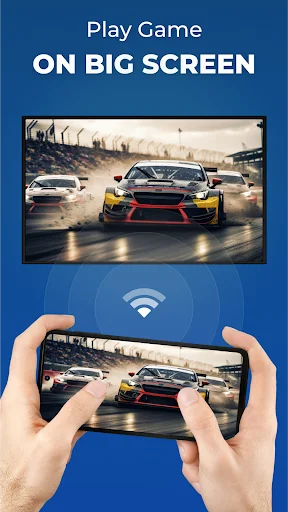
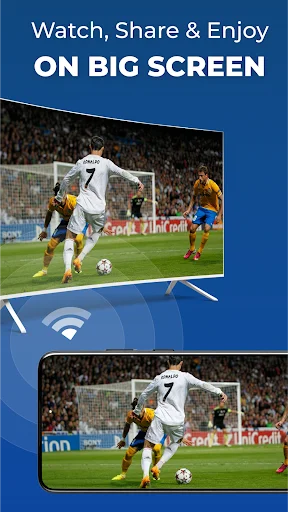
Share photos, videos, and presentations directly to your TV with built-in screen mirroring. Perfect for family gatherings, work presentations, or enjoying your favorite content on the big screen.
Quick Setup, Total Control
Get started in seconds with our simple pairing process. Control volume, change channels, switch inputs, and navigate menus – all the features of a physical remote plus customizable layouts and gesture controls.
About TV Remote Control for all TV
Universal Remote For All TV's – Smart, Simple & Universal
Turn your Android phone into a smart remote controller. With TV Remote Control for All TV, control compatible televisions using Wi-Fi or IR, cast your phone's screen, and enjoy smooth entertainment in one app.
No need for multiple remotes — manage everything directly from your mobile device. This smart remote app works with most major TV brands and smart models.
Key Features of Universal TV Remote App:
- Smart TV Remote for All Brands – Supports popular TV brands and compatible smart TVs.
- Wi-Fi & IR Remote Modes – Connect using your Wi-Fi network or an IR blaster (if available on your device).
- Easy Setup & Pairing – Quick connection process for supported televisions.
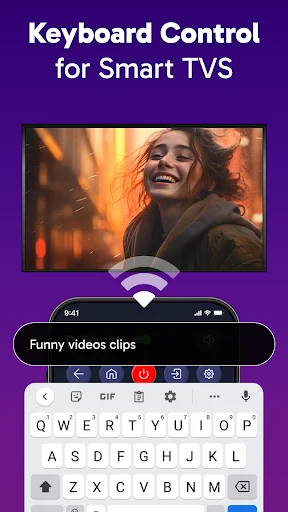
- TV Remote Controller Functions – Change channels, control volume, mute sound, and switch inputs.
- Screen Mirroring & Cast to TV – Mirror photos, videos, and supported apps to your television.
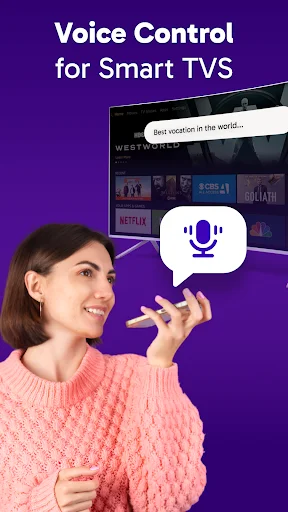
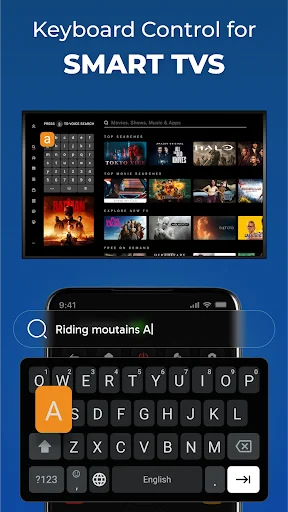
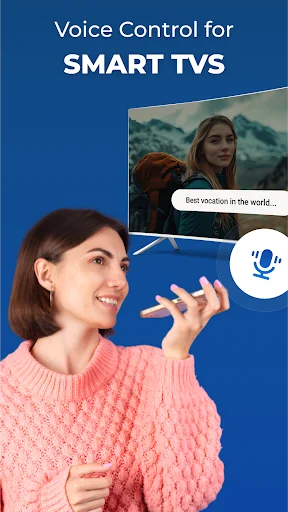
- Voice Control (if supported) – Use voice commands for easy, hands-free operation.
- Custom Remote Layouts – Personalize button styles, layouts, and colors.
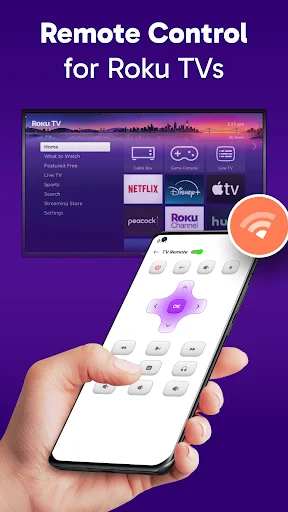
- Multiple Device Support in Tv Remote control app– Manage different TVs and streaming devices from one app.
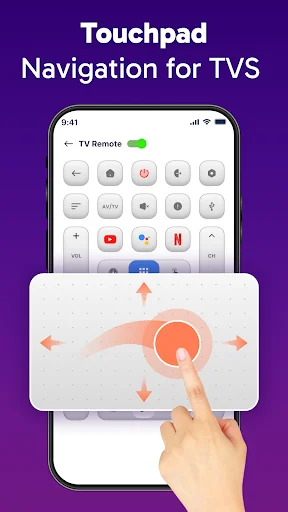
- Gesture Control & Smart Navigation – Swipe, tap, and hold to control your screen smoothly.
- Optimized for Android Devices – Works efficiently on supported Android phones and tablets.
Why Choose This Smart TV Remote App for all tv
- Works as a Universal TV remote Control for compatible TVs.
- Control multiple TVs through Wi-Fi or Infrared (IR).
- Use as a TV Remote for Android TV, Smart TV, or LED TV.
- Supports screen mirroring, casting, and media sharing.
- Clean, user-friendly design with smooth performance.
Enjoy complete control of your TV — from volume adjustment to input switching — right from your Android phone.
Cast & Mirror Screen to TV Easily
With Cast to TV and Screen Mirroring features, view your favorite photos, videos, and presentations on the big screen. Works with Chromecast, Miracast, DLNA, and compatible smart TVs.
Simply connect your phone and TV to the same Wi-Fi and enjoy instant screen sharing.
How to Use TV Remote Control App:
- Open the app and select your TV brand.
- Choose connection mode – Wi-Fi or IR (Infrared).
- Follow the on-screen setup instructions.
- Start controlling your TV instantly.
Important Notes:
- IR mode requires a phone with a built-in IR blaster.
- Wi-Fi control works only if the TV supports remote control over the same network.
- Some features depend on the TV model, brand, or region.
- This app is not an official product of any brand and has no affiliation with third-party companies.
- All brand names and trademarks belong to their respective owners.
TV Remote Control for All TV – Smart Remote & Cast App
Whether you want a Universal Remote, Android TV Controller, or Cast to TV app, this tool gives you full control and flexibility. Experience powerful features, quick response, and an intuitive interface.
Control your TV anywhere — download TV Remote Control for All TV now and make your phone your ultimate entertainment companion!
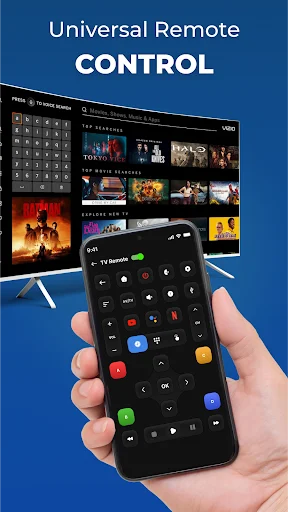
See How Simple TV Control Can Be
Join Thousands of Happy Users
I'm loving the Universal TV Remote app! It turns my Android phone into a powerful TV remote, controlling all televisions with ease. The setup is effortless, and features like voice command, screen mirroring, and gesture navigation make it a must-have. Plus, it supports all major TV brands! Highly recommend it, especially when you can't find your physical remote👍
The Universal TV Remote Control app offers seamless control of your TV with an easy-to-use interface, making it a convenient tool for any household. Its compatibility with multiple TV brands ensures a versatile and reliable experience🏏
This app is very helpful and user-friendly. It connects smoothly with my TV and responds quickly. A perfect replacement when the original remote is missing. 🎀
TV Remote and Smart TV Control app works smoothly with most smart TVs. Easy setup and responsive controls make channel and volume changes effortless🎀
This TV remote control app is a lifesaver! 📺💻 No more lost remotes, just download and control. Works seamlessly, super convenient🎀
"Sleek and user-friendly TV remote! Works flawlessly with my TV and has all the essential buttons. Highly recommend🔔!"
Download Now and Take Control of Your TV
Join hundreds of thousands of users who have already made the switch